Your details and costumes
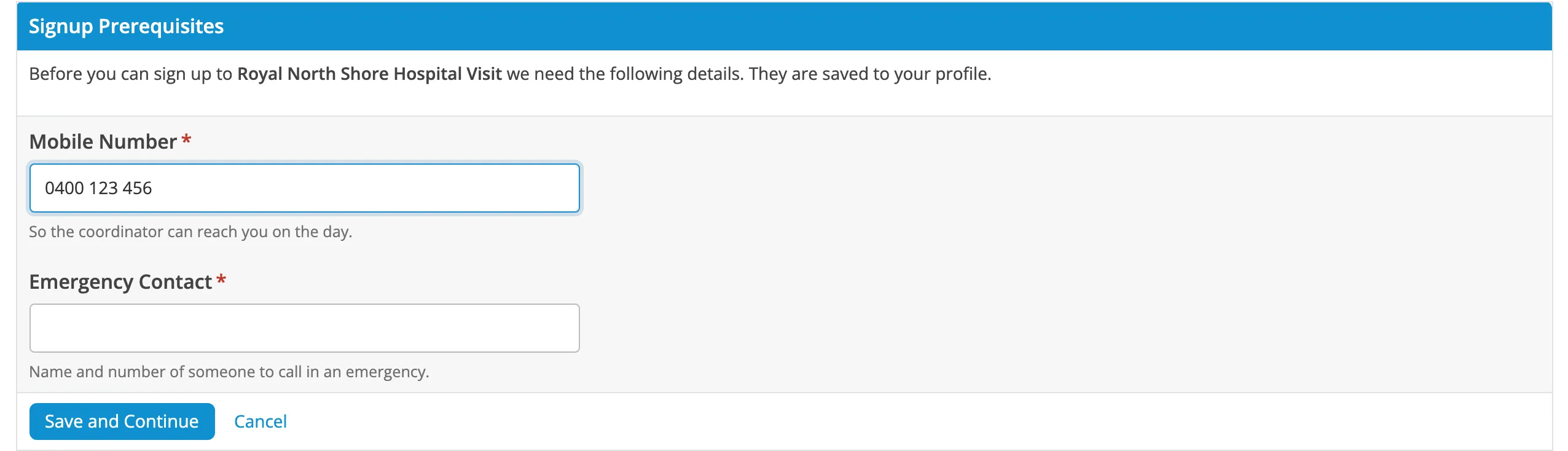
When you sign up, you’re asked for any of these that aren’t on your profile yet. They’re saved, so you only enter them once.
What you’re asked for
Section titled “What you’re asked for”| Detail | Asked of | Notes |
|---|---|---|
| Legion ID | Troopers | Just the number: for TK-12345, type 12345. |
| Preferred Name | Everyone | What to call you on the day. |
| Mobile Number | Troopers and wranglers | Why we ask |
| Emergency Contact | Troopers and wranglers | A name and number. Why we ask |
| WWCC Number | Events that need one | Working With Children Check. |
Social events only ask for your preferred name, and a WWCC if needed.
When you type your Legion ID, the form shows whose record it is so you can check it.
Your costume list
Section titled “Your costume list”Your costumes come from your 501st Legion record, fetched each time you sign up to troop. Newly approved costumes appear automatically.
If the Legion’s records can’t be reached or yours is private, your saved costumes are used instead. If you have none saved, you’re asked to type them, one per line.
If your costumes are wrong
Section titled “If your costumes are wrong”-
Check the costume is approved on your 501st Legion profile.
-
Check your Legion ID in User CP > Edit Profile.
-
Sign up again, or click Update Your Signup.
Preapproved costumes
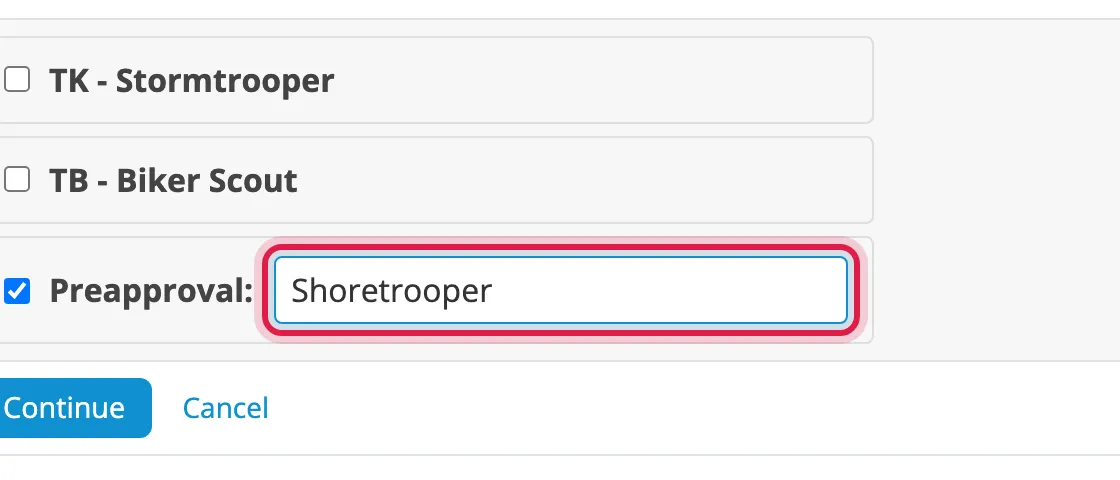
Section titled “Preapproved costumes”If enabled, you can troop in a preapproved costume that isn’t on your Legion record yet.
-
On the costume step, type the costume in the Preapproval: box.
-
If instructions are shown, follow them and tick the box to confirm your preapproval.
-
Click Continue.
It’s listed as Preapproval: <costume>. You confirm again each time you use it.
Change your details
Section titled “Change your details”Go to User CP > Edit Profile. Changes apply to your next signup.