
Excluding members
Excluded members can’t see the event at all: it’s not in their events list or calendar, and they can’t open its page or announcement thread. They aren’t told.
-
Under Excluded Members, type part of a username and pick the member from the list.
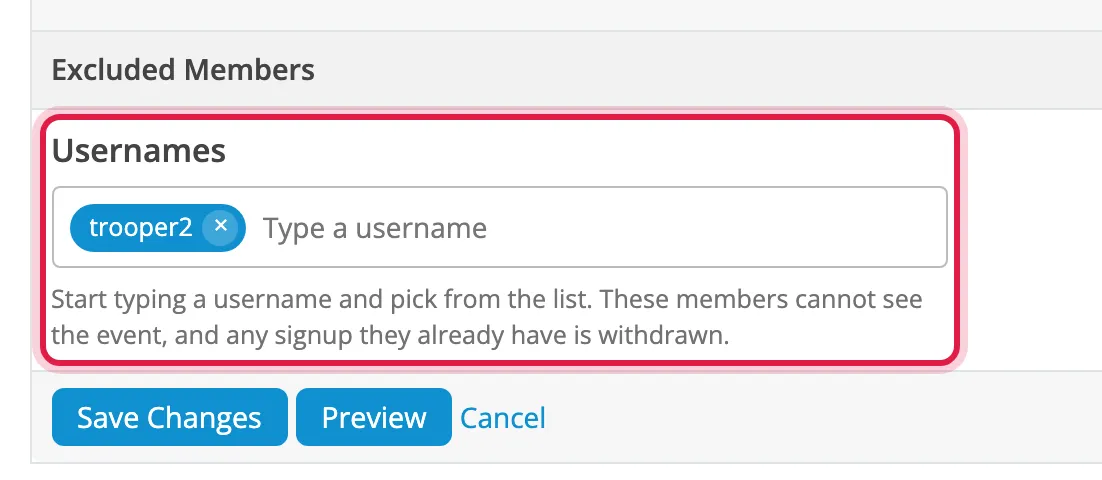
-
Click Save Changes.
To un-exclude someone, click the × on their name and save.
- If they’d already signed up, their signup is withdrawn without a message. The save confirms how many signups were removed.
- They can still read the troop report after the event.
- Coordinators and admins can always see the event, even if excluded, but an excluded coordinator can’t sign up.