
Finding events
To view events, click Events in the top right.
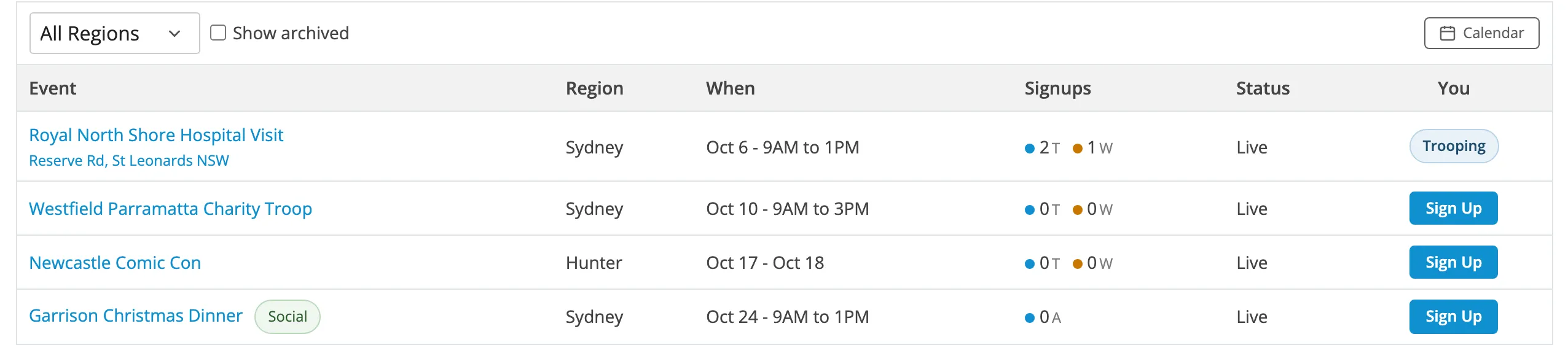
The events list
Section titled “The events list”| Column | Shows |
|---|---|
| Event | Name and address. Click the address for Google Maps. Social events are marked Social. |
| Region | Where it is. |
| When | Start date, and end date for multi-day events. |
| Signups | T troopers, W wranglers, A attendees (social events). |
| Status | See below. |
| You | Trooping, Wrangling or Waitlisted if you’re signed up. Otherwise Sign Up, Join Waitlist or Closed. |
Status
Section titled “Status”| Status | Meaning |
|---|---|
| Live | Upcoming and taking signups. |
| Needs Troop Report | Finished, with no troop report yet. If you trooped it, write one. |
| Complete | Finished and reported. |
| Archived | Closed out. Hidden unless you show past events. |
Switch to the calendar
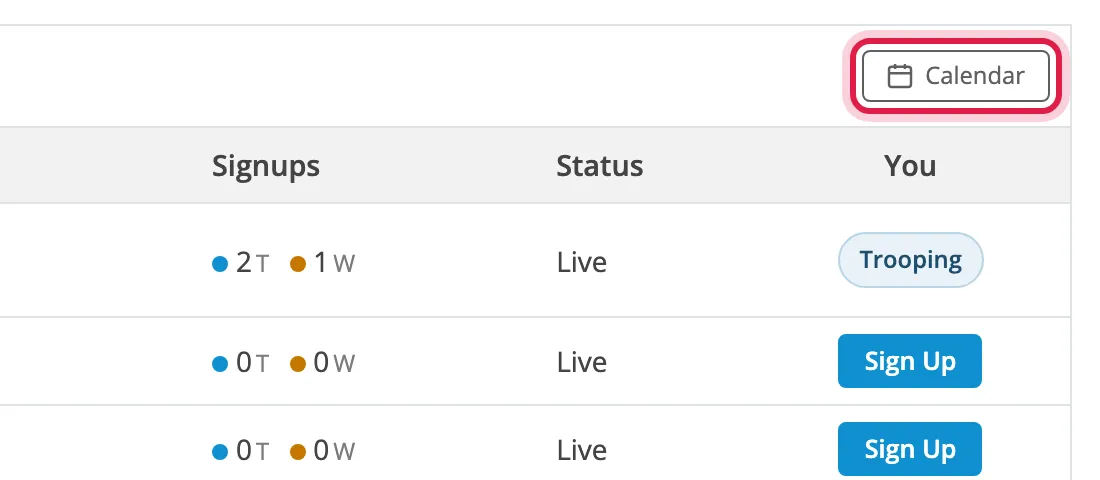
Section titled “Switch to the calendar”Click Calendar at the right of the toolbar.
Click List to switch back.
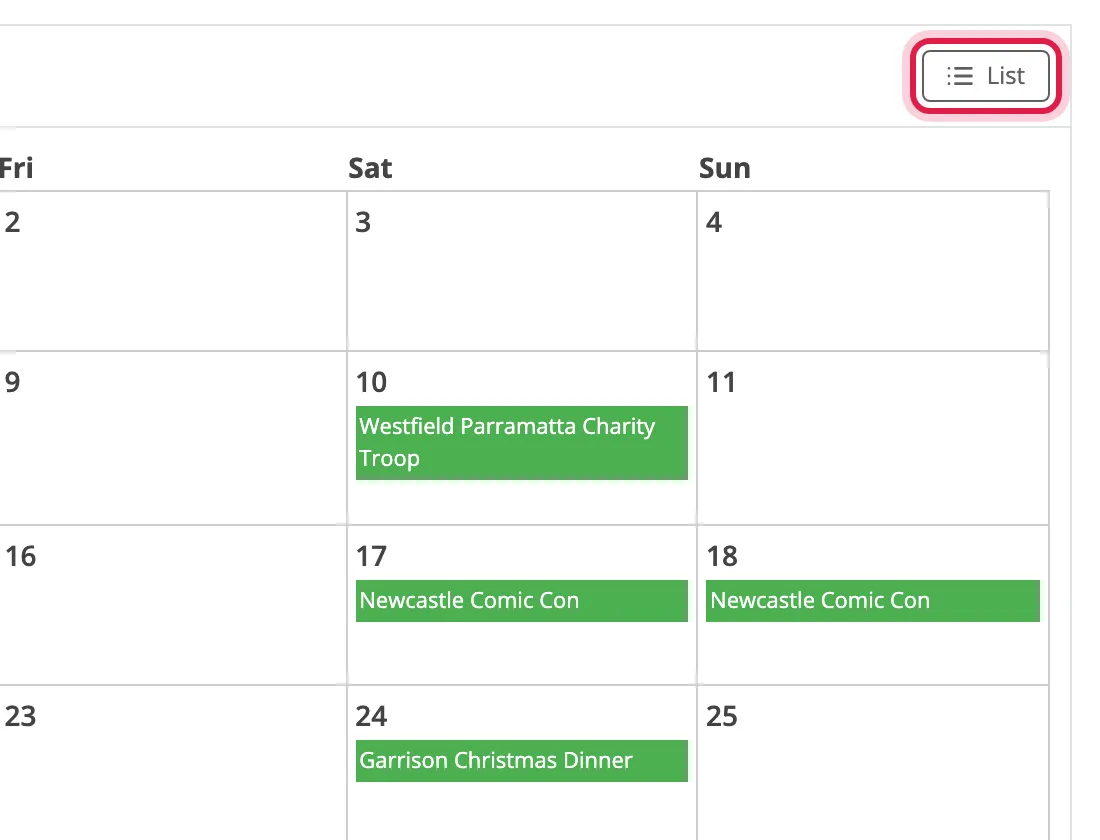
The forum remembers your choice.
Use the arrows beside the month to change months.
Filter by region
Section titled “Filter by region”Choose a region from the list in the toolbar. The events update straight away. On a phone, tap Filter first.
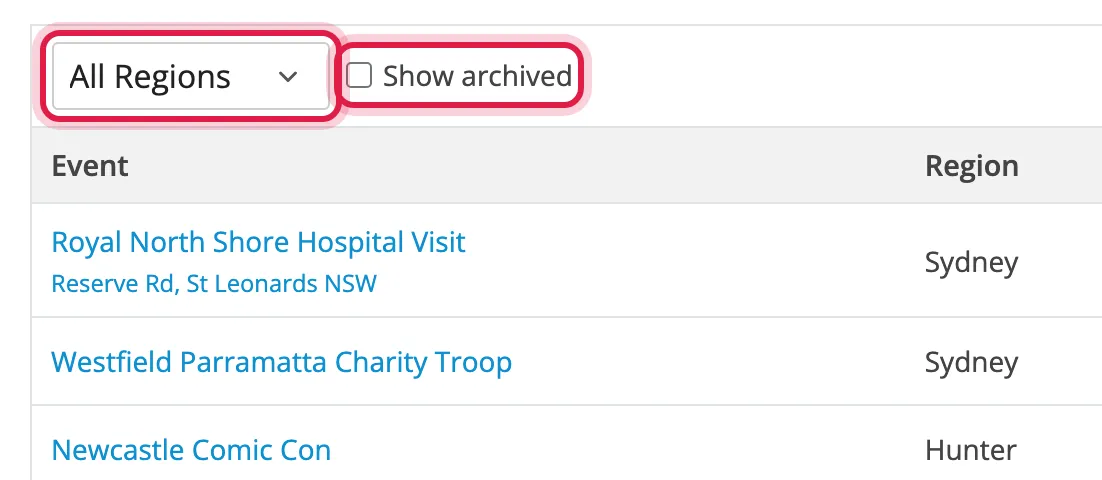
Choose All Regions to clear the filter.
Show past events
Section titled “Show past events”Tick Show archived in the toolbar (on a phone, tap Filter first). This resets when you leave the page.
Open an event
Section titled “Open an event”Click the event’s name. The event details are at the top of its forum thread, with the discussion underneath. Reply there to ask the coordinator a question.
See who’s going
Section titled “See who’s going”Who is Attending lists everyone signed up, with the waitlist in queue order underneath.

To narrow the list by costume or day, click Filter beside the heading. Reset clears it.