Signing up for an event
Sign up to troop
Section titled “Sign up to troop”-
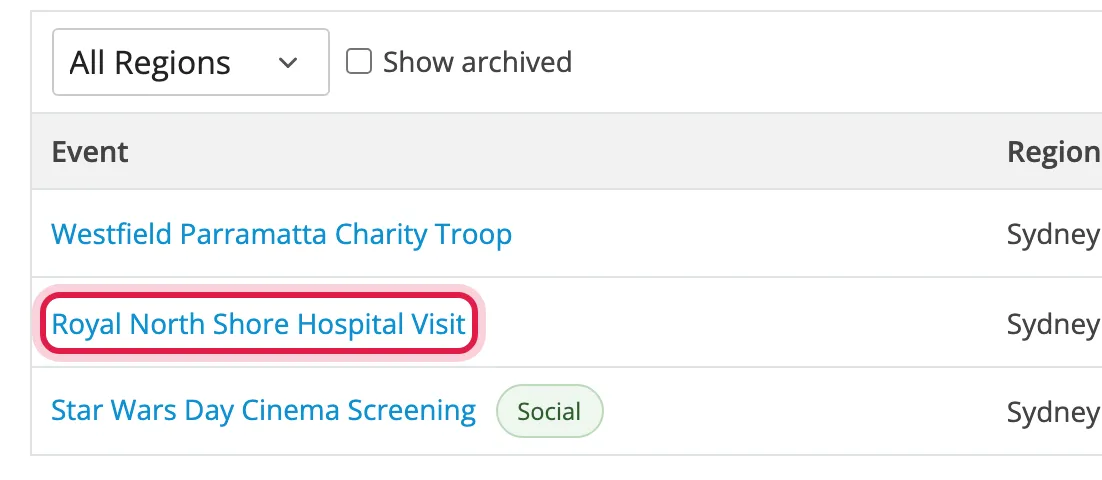
Click Events in the top right, then click the event’s name.
-
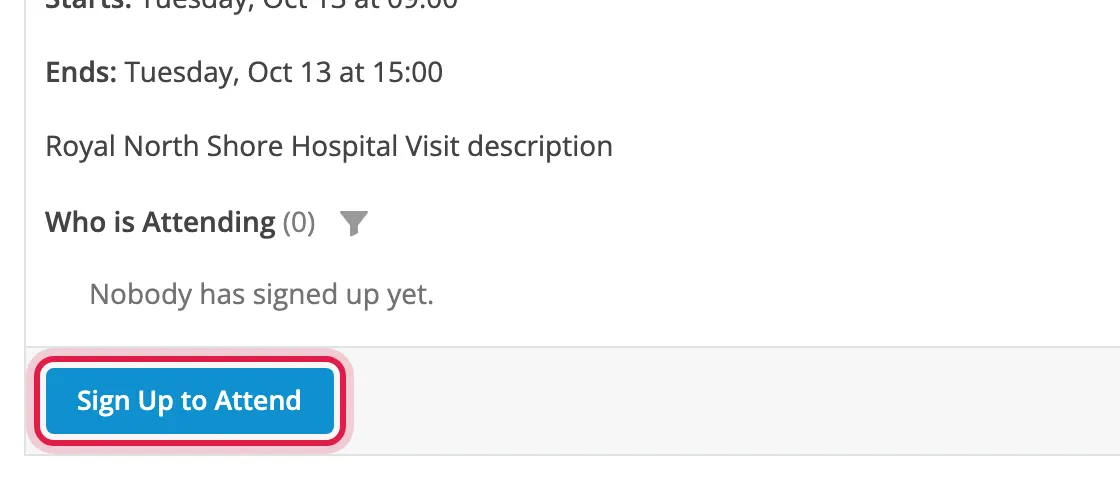
Click Sign Up to Attend. If it says Join Waitlist, the event is full: see Waitlists.
-
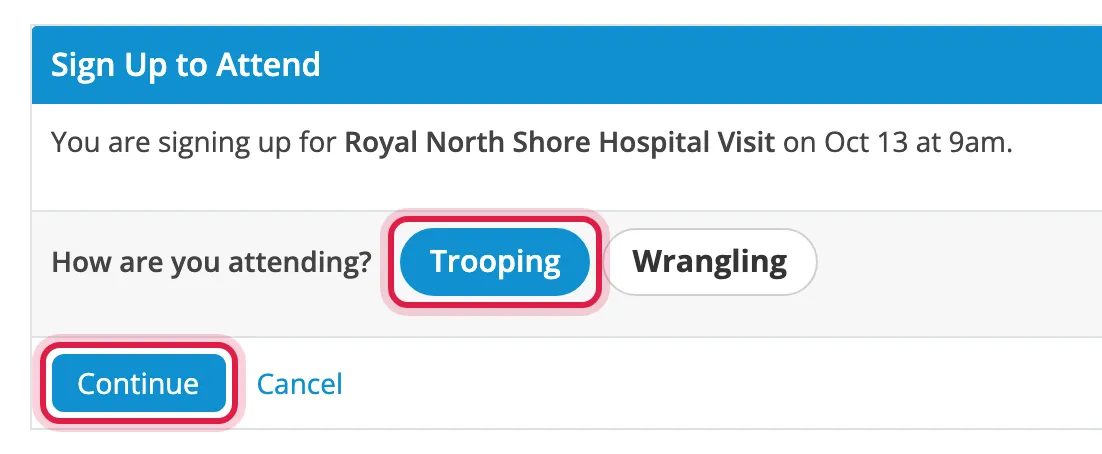
Leave Trooping selected and click Continue.
-
If you’re asked for details like your Legion ID or mobile number, fill them in and click Save and Continue. You’re only asked once. See Your details and costumes.
-
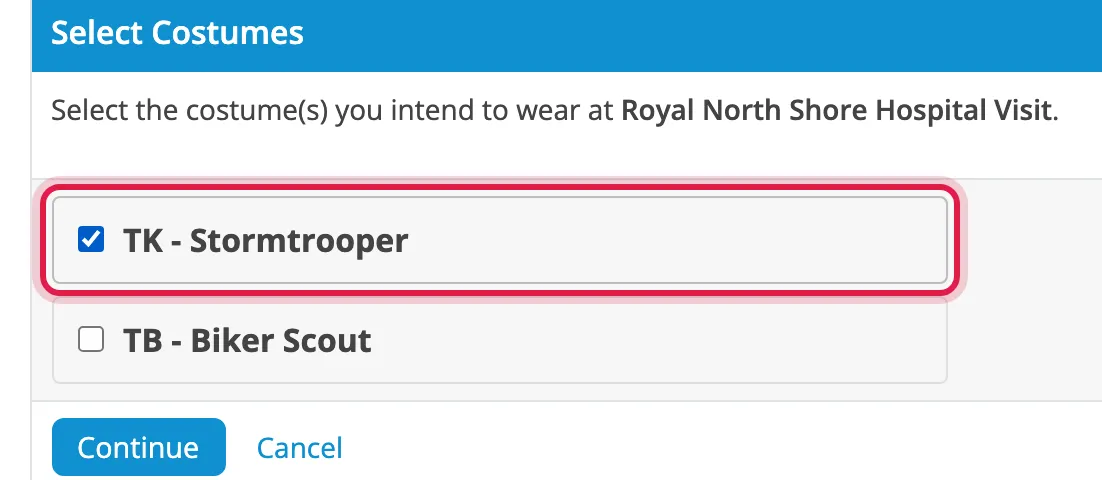
Tick the costumes you’re bringing and click Continue.
-
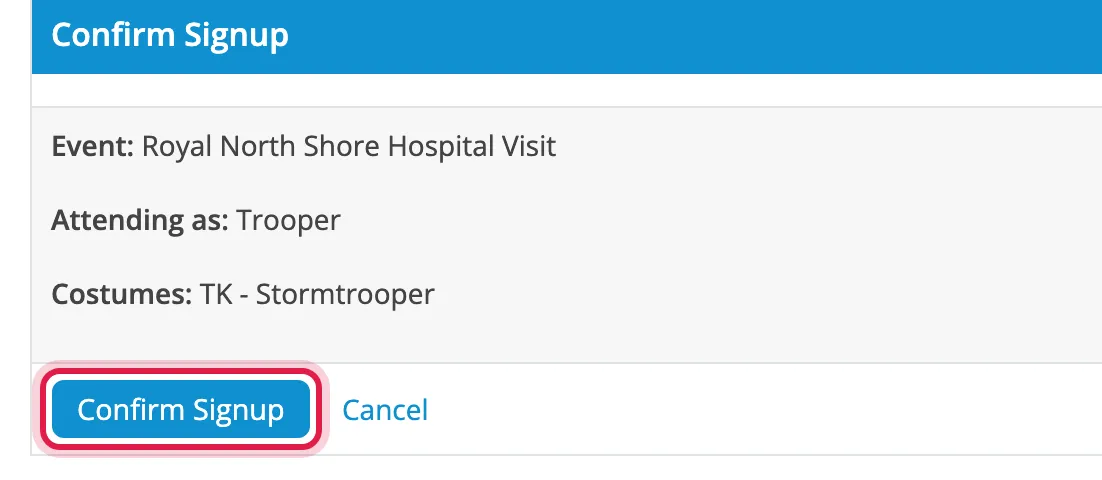
Click Confirm Signup.
Sign up to wrangle
Section titled “Sign up to wrangle”Wranglers help out of costume. You don’t need to be a full member, and aren’t asked for a Legion ID or costume.
Follow the steps above, choosing Wrangling at step 3.
Multi-day events
Section titled “Multi-day events”To troop some days and wrangle or skip others:
-
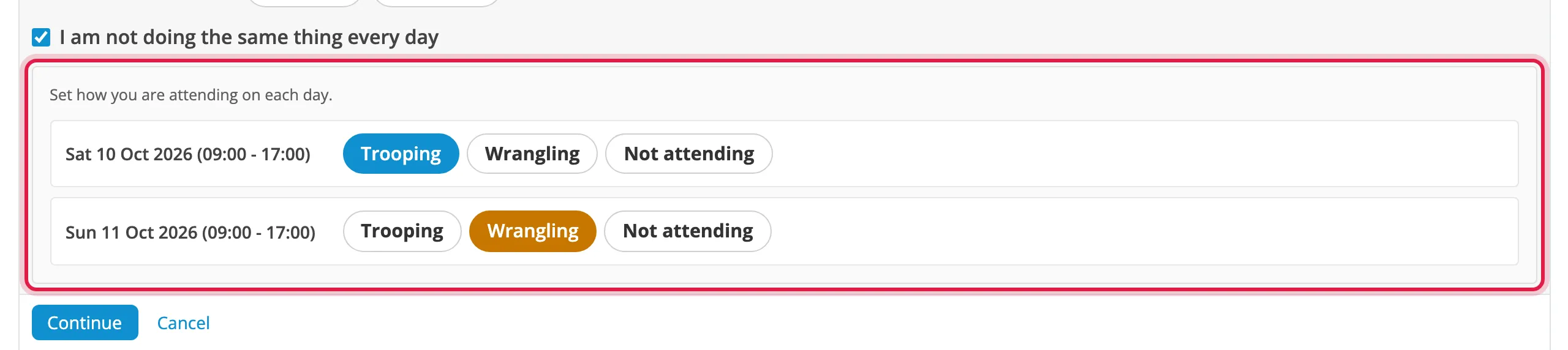
At step 3, tick I am not doing the same thing every day.
-
Choose Trooping, Wrangling or Not attending for each day.
-
Click Continue.
Change your signup
Section titled “Change your signup”-
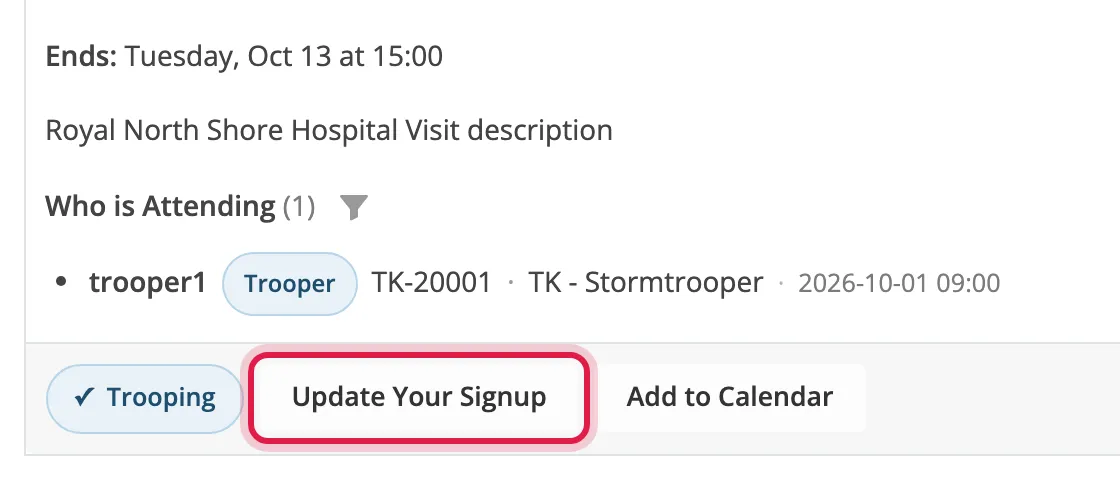
Open the event and click Update Your Signup.
-
Make your changes, click Continue through the steps, then click Save Changes.
You keep your place in the queue for any role you already had.
Pull out of an event
Section titled “Pull out of an event”-
Open the event and click Update Your Signup.
-
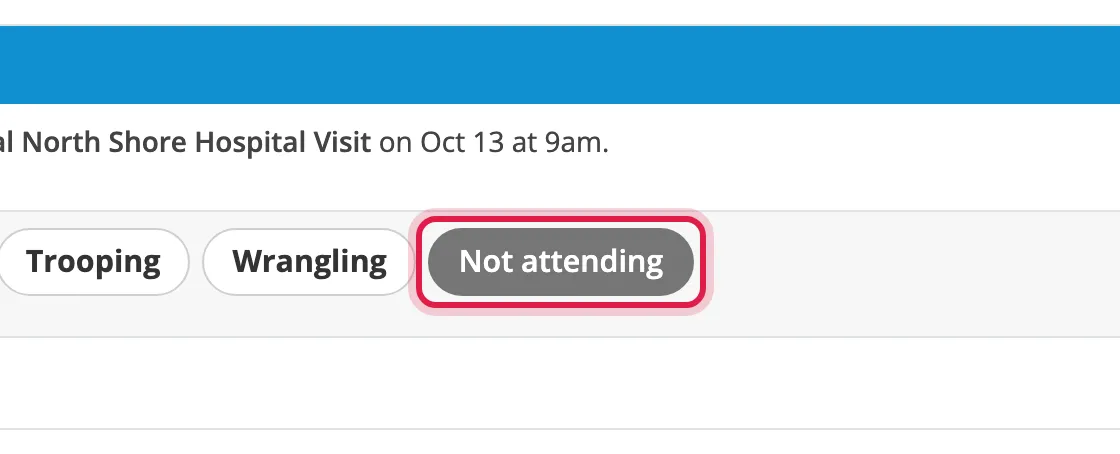
Choose Not attending and click Continue.
-
Click Withdraw Signup.
If there’s a waitlist, the next person gets your place.
When you can’t sign up
Section titled “When you can’t sign up”| Message | Meaning |
|---|---|
| Signups for this event have closed. | The cutoff has passed. |
| This event has finished, so signups have closed. | The event is over. |
| This event is not open for signups. | It isn’t open yet. |
| You must be logged in to sign up. | Log in first. |