
Editing an event
-
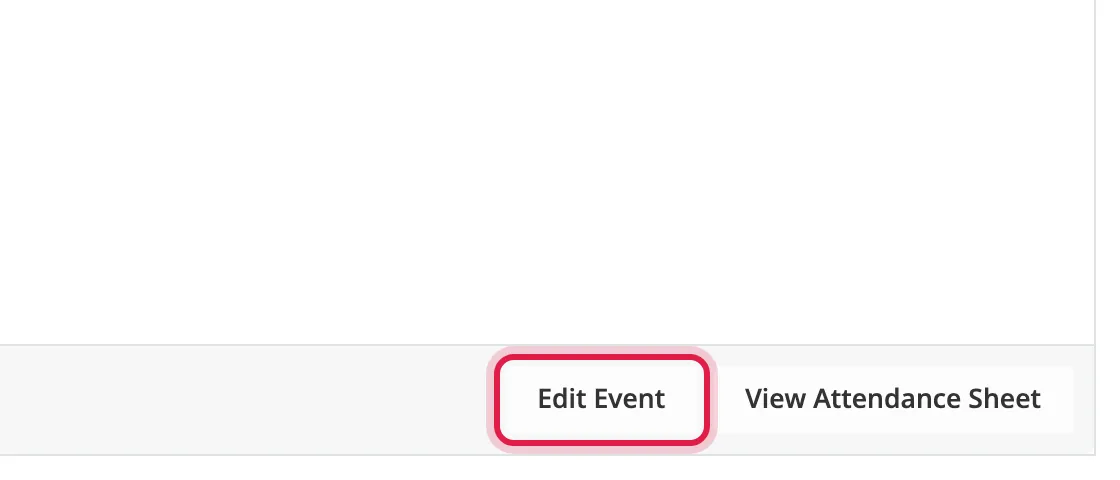
Open the event and click Edit Event at the bottom.
-
Make your changes and click Save Changes.
The announcement thread updates to match.
Changes that affect signups
Section titled “Changes that affect signups”If a change would move people, the form lists who and asks you to confirm before saving:
- Removing a day removes those days from people’s signups.
- Lowering a limit moves the latest signups back onto the waitlist.
Raising a limit gives places to people on the waitlist, in signup order. Anyone moved is sent a private message from you.
You can’t change Type once anyone has signed up.