Creating an event
-
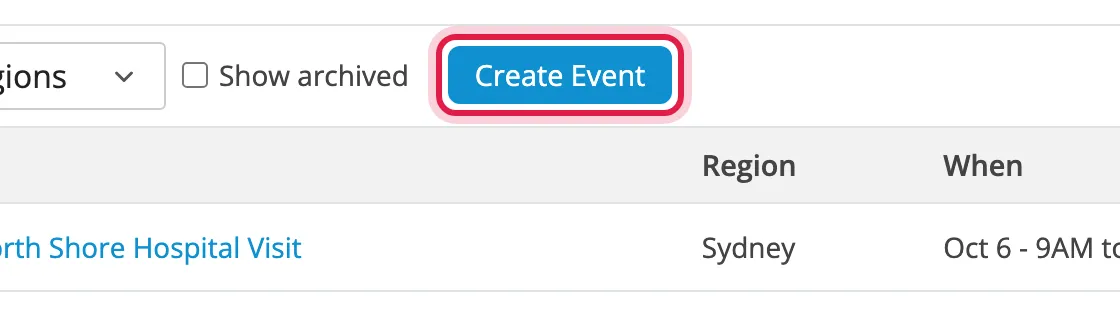
Click Events in the top right, then Create Event.
-
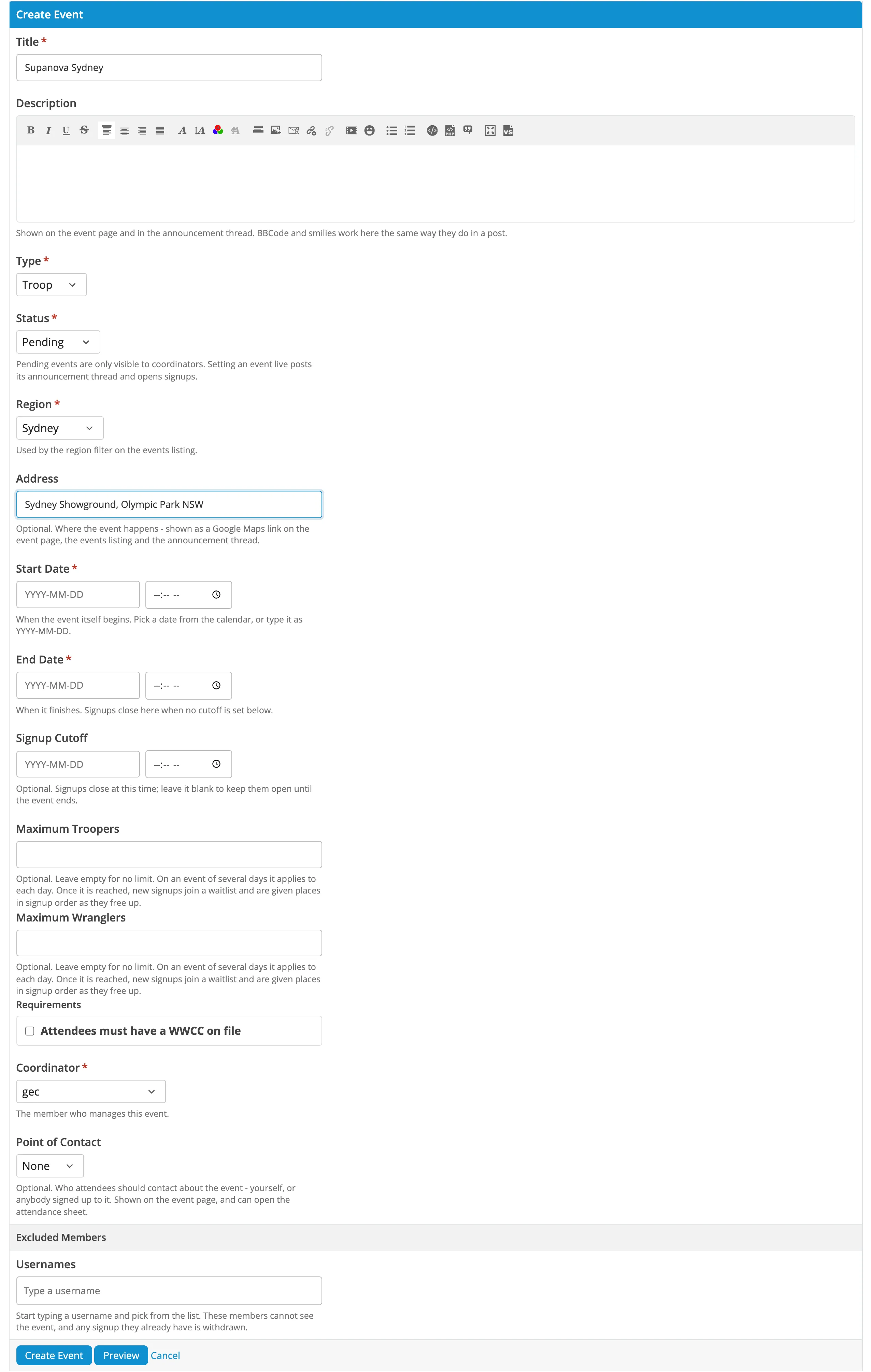
Fill in the form. See The event form below.
-
Leave Status as Pending while you’re still working on it, or set it to Live to open signups straight away.
-
Click Create Event.
Pending events are only visible to coordinators. When you set it to Live, signups open and its announcement thread is posted.
The event form
Section titled “The event form”| Field | Notes |
|---|---|
| Title | Up to 64 characters. Used as the announcement thread and troop report subject. |
| Description | Shown on the event page and announcement thread. BBCode and smilies work like in a post. |
| Type | Troop, or Social for dinners and other non-troop events. See Social events. |
| Status | Pending, Live or Archived. See Statuses. |
| Region | Decides which forum the announcement goes in, and the region filter. |
| Address | Optional. Shown as a Google Maps link. |
| Start Date, End Date | Both need a time. Events over more than one day get a row per day. |
| Signup Cutoff | Optional. Signups close at this time. Leave blank to keep them open until the event ends. |
| Maximum Troopers, Maximum Wranglers | Optional. Once reached, new signups join a waitlist. Per day on multi-day events. |
| Maximum Attendees | Social events only, as above. |
| Requirements | Tick if attendees need a Working With Children Check on file. |
| Coordinator | Who runs the event. Must be in a coordinator group. |
| Point of Contact | Optional. Who attendees should contact: you, or anyone signed up. Shown on the event page, and can open the attendance sheet. |
| Excluded Members | See Excluding members. |
Statuses
Section titled “Statuses”| Status | Who sees it | Signups |
|---|---|---|
| Pending | Coordinators and admins | Closed |
| Live | Everyone | Open until the cutoff or the end of the event |
| Archived | Everyone, under Show archived | Closed |
Posting the troop report archives the event automatically.
Social events
Section titled “Social events”Set Type to Social for events that aren’t troops. Members sign up as attendees with no costumes, and are only asked for their preferred name (and a WWCC if you require one). There’s no troop report.
You can’t change an event’s type once anyone has signed up.